
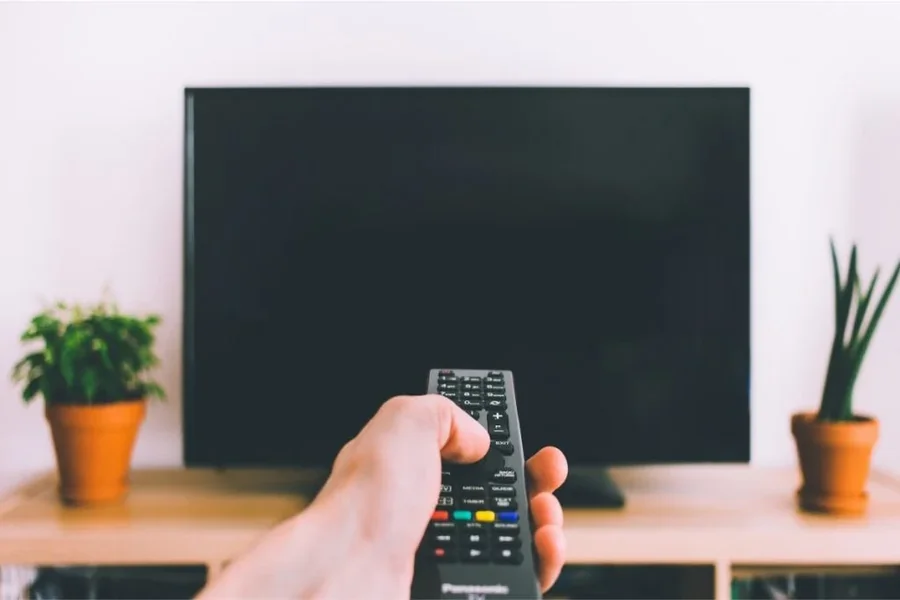
It is annoying to have a black screen on your television set, when you feel like relaxing and watching something. This is not as rare as it may seem whether the sound is still in operation or the screen is absolutely unresponsive. The positive thing is that one does not necessarily need the assistance of a professional to learn how to fix a black screen on the television. It is, in most instances, very easy and can be performed at home through simple troubleshooting.
Such a problem may arise because of a number of reasons: loose cables, wrong input settings, software glitches, or even the failure of hardware. The first step to correcting the situation is knowing what is causing it. Here, you will discover effective ways of diagnosing and solving the issue so that you can have your TV back to its usual operation within the shortest time possible.
The most frequent reasons of a black screen on television
It is necessary to know what could be causing the black screen before rushing to solutions. In some cases, the problem is minor and can be easily resolved whereas in other cases it might be a sign of a bigger hardware problem.
Loose cable or damaged cable is one of the most frequent reasons. HDMI cables, power cords, or external devices connection may be unplugged or lost in the course of time. The other common reason is the use of the wrong source of input that will leave the screen blank despite the fact that the TV is on.
The display may also go black because of software glitches. In particular, smart TVs can crash or become frozen because of the errors with an application or the old version of the firmware. In more severe instances the problem may be a faulty backlight, a broken display panel or even internal board.
Knowing these possibilities aids in reducing the troubleshooting process and wastes less time.
FirstCheck Power and Cable Connections
The most basic troubleshooting solutions tend to be the most useful, and the first thing that you can do is to make sure that your power supply and cables are fine. Ensure that the television is fit in a functioning outlet. In case, it is possible, test the outlet with another device to ensure that it works.
The second step is to check all the connecting cables. Take off and put on HDMI cables, making sure that they fit well. In case you are connected with external devices, such as a set-top box, a gaming console, or a streaming device, inspect such connections too.
Attempt to change to another HDMI port or cable. In some cases, it is not the TV that is faulty but just the port or cable.
When you turn on your TV and see a small picture when you point a flashlight to the screen, it is possible that you have a backlight problem and not a connection problem.
Test Input Source and External Devices
It seems like it is also a common occurrence that a television will show a black screen just because the inappropriate input source has been chosen. You can use your remote to work through the inputs and check whether the picture comes back.
When you are using an external device, then switch it off and switch it on. Turning cable boxes, streaming sticks or game consoles on and off can fix glitches that are temporary.
You are also able to detach all the outside devices and switch on the TV on your own. When the screen functions without them, then it is most likely one of those connected devices.
This will aid in eliminating the possibility that the problem is a television problem or not.
Carry out a Soft Reset/Power Cycle
Soft reset is capable of resolving most of the temporary problems that occur due to the problem with software glitching. Switch off your TV and remove it out of power source. Allow a minute or two to pass to enable any remaining power to pass.
Once that is done, reconnect the TV and turn it on. This basic procedure tends to reformat the internal system and fix little bugs.
In the case of smart TVs, restarting the device with the settings menu can also be attempted in case the screen is partially functional. There are even models that have a reset button on the remote.
In case the black screen was brought about by a temporary system failure, you can use this step to restore your television.
Brightness and Picture Settings
The screen does not always go off but is sometimes just too dark to view anything clearly. This may occur in case the brightness or backlight settings are adjusted to be too low.
With your remote, attempt to change the brightness, contrast and backlight. In case you have access to the menu, raise these values and see whether the picture has appeared.
In other examples, a given picture mode may result in the screen showing a black screen. It can be helped by switching to another mode such as Standard or Dynamic.
In case you have recently changed settings or have updated your TV, default picture settings could remedy the situation.
Check Backlight or Hardware Problems
In case all the basic fixes do not show any results, the problem could be connected to hardware. One of the most frequent causes of the black screen with the sound running is a malfunctioning backlight.
In order to test this shine a flashlight at an angle near the screen. When you can see faint images it is an indication that the display is functioning but the back light is not.
Additional hardware issues can be broken display panel, power board or loose internal connections. These are issues that are normally professional repair.
Unless your TV is out of warranty, then contact a manufacturer or an authorized service center and not make attempts to repair it.
When a Professional Technician is to be called
Although most of the problems can be resolved at home, there are cases that demand the assistance of experts. When your television is completely black even after all the troubleshooting measures, then chances are that there is a hardware problem.
There is a danger of opening the TV without having the right knowledge and this will invalidate your warranty. Technical technicians possess the means and skills to identify and resolve internal issues in a safe manner.
Think about the age and worth of your TV and then consider it before you fix it. The replacement of the TV may be cheaper than repairing it in other instances.
It is possible to save time and money and know when to quit troubleshooting and seek assistance.
Final Thought
When you are faced with a black screen it can be very frustrating and does not necessarily imply that your TV is not repairable. You can usually solve the problem by yourself by knowing what can cause it and taking it step by step.
Having knowledge of how to resolve a black screen on television makes you confident enough to tackle most of the challenges without scampering to the technician. Starting with cable checks, doing some resets, and setting up, with each move you are getting closer to the process of restoring your viewing experience.
A small amount of patience and troubleshooting can restore your TV to its usual functionality and you will be able to watch your favorite shows without any problem.
FAQs
Why is my TV screen black but I can hear sound?
This usually indicates a backlight problem or display issue while the audio system is still functioning.
Can a loose HDMI cable cause a black screen?
Yes, a loose or damaged HDMI cable can prevent the video signal from displaying properly.
How do I reset my TV to fix a black screen?
Unplug the TV from power, wait a minute, and plug it back in to perform a soft reset.
What does it mean if I see a faint image with a flashlight?
It usually means the backlight is not working, even though the screen is displaying an image.
Is it expensive to fix a TV backlight?
The cost varies, but backlight repairs can be expensive depending on the TV model.
Can software updates cause a black screen?
Yes, failed or incomplete updates can sometimes lead to display issues.
Should I repair or replace my TV?
If repair costs are high and the TV is old, replacing it may be a better option.
